Who runs this & how I test
Short version: a real self-hoster writing down the answers they wish they'd had, first-hand.
Who
Self Host Compass is written by James Brooks. I work in IT for a living, and I run a home lab of self-hosted services my household actually depends on — a reverse proxy fronting everything, a self-hosted git server, a password vault, analytics, media, monitoring, and backups. These pages are the answers I worked out running that stack day to day, written down so the next person doesn't have to learn them the hard way. Not a content farm, and not a re-write of other people's tutorials.
Self-hosting since 2010 — from services on a spare PC, to Synology, to the current stack.
I don't write about backups and hardening from theory. In 2019 a Synology of mine was caught in a ransomware wave — reached from the internet through a privilege-escalation trick, then encrypted before I could act. For the first day, victims could reportedly unlock with a single shared key; I got to it too late. I couldn't recover the box, so I rebuilt from scratch. Everything here about 3-2-1 backups and locking a machine down is what I do now, because of what that cost me then.
The test rig
Where the "in my setup" notes and measured numbers come from — the actual boxes I run, not a hypothetical. When a page gives a number, it was measured on this hardware and says how.
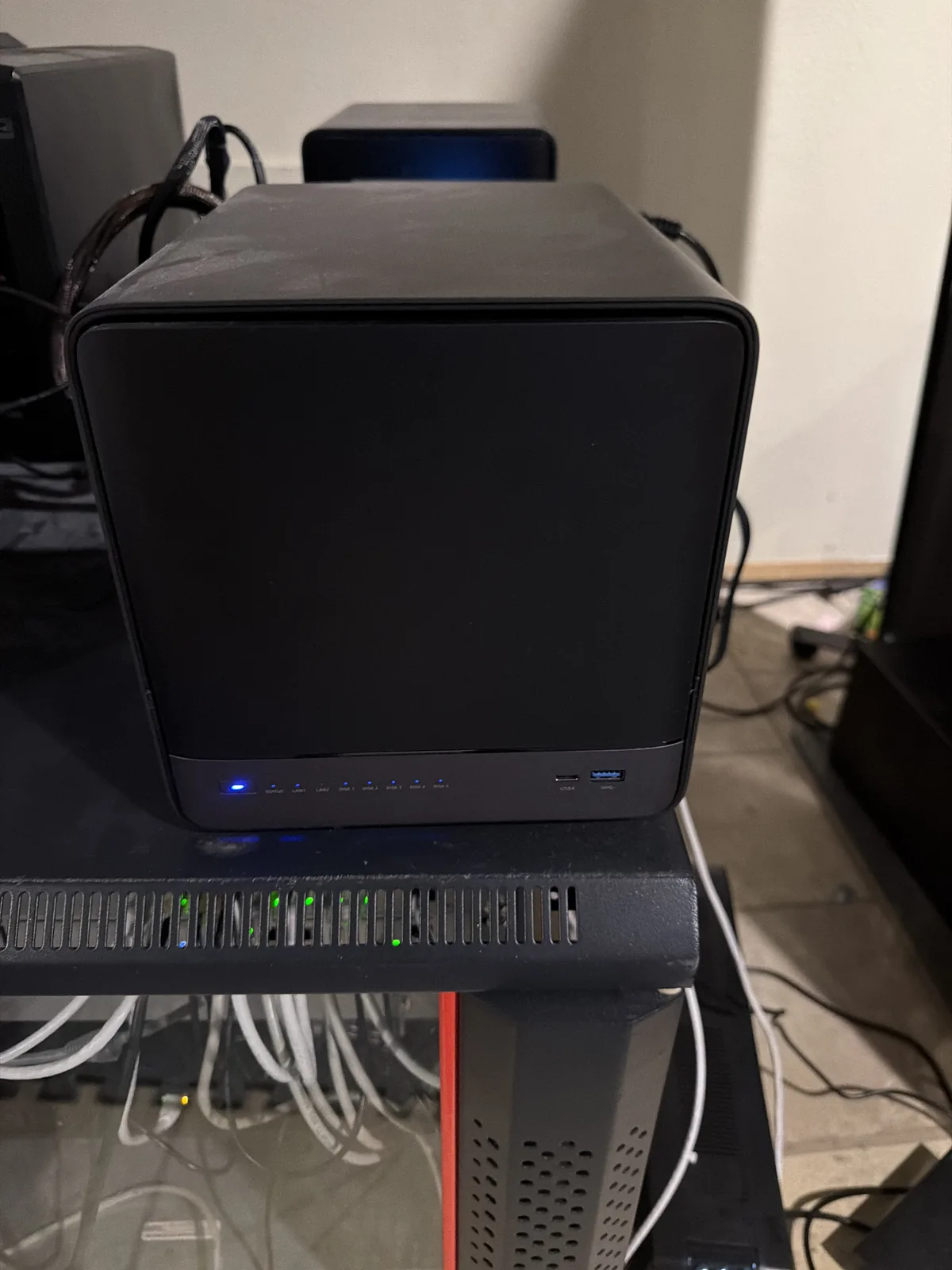
| Box | Hardware | What it does |
|---|---|---|
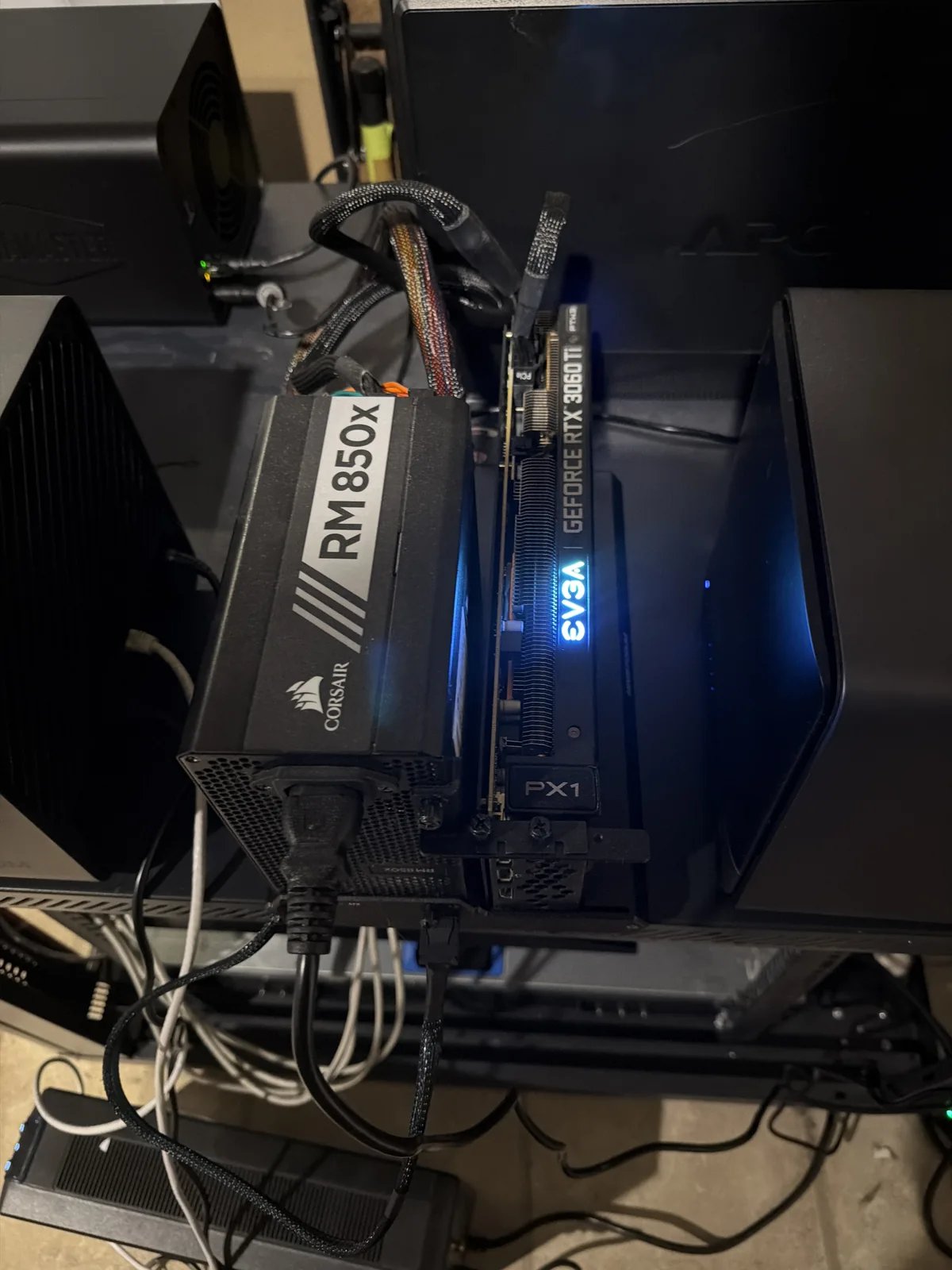
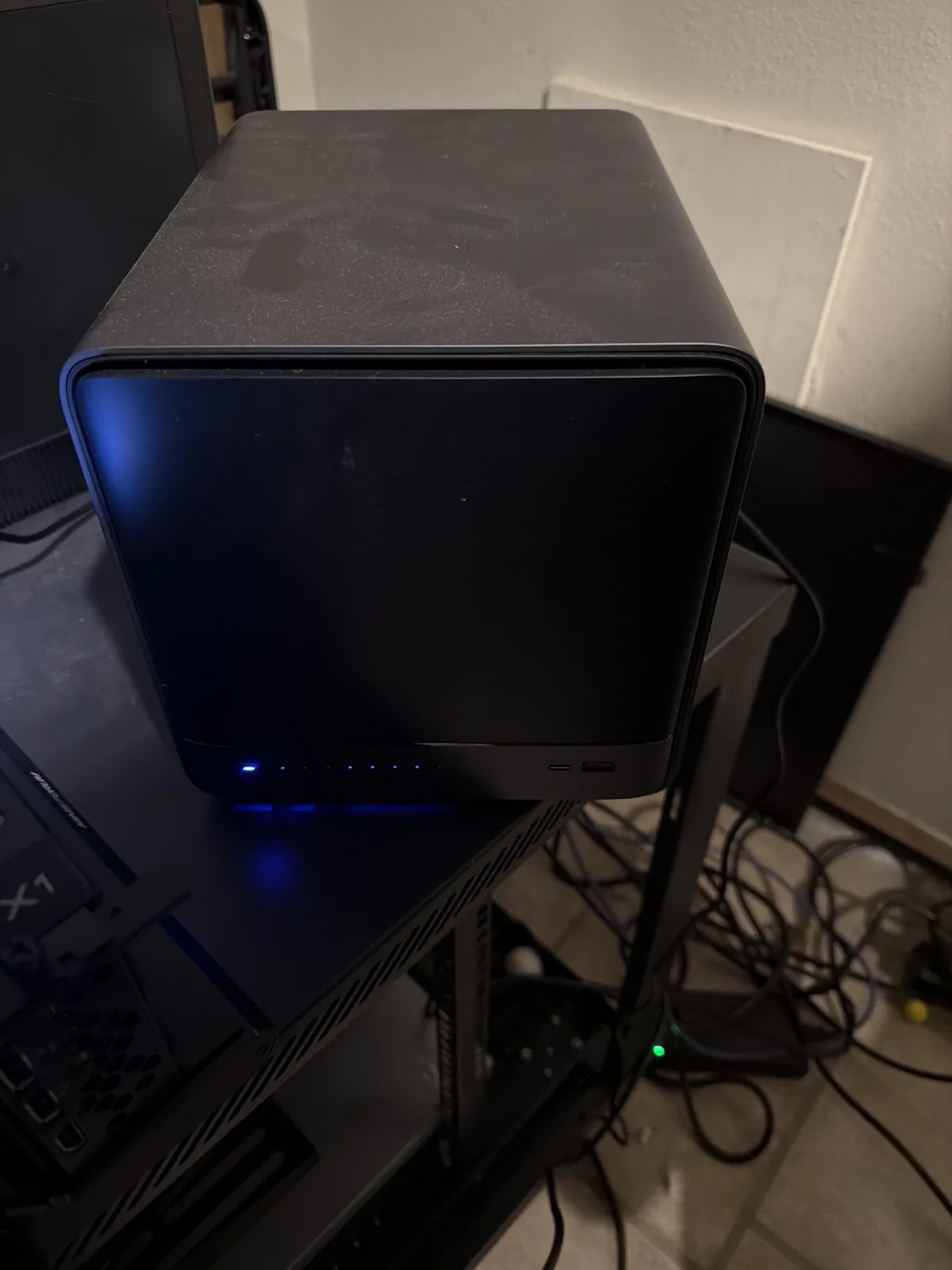
| kratos | Minisforum N5 Pro — Ryzen AI 9 HX 370, 96 GB, ~13 TB, + external RTX 3060 Ti (OcuLink) | Proxmox host — local AI (a 33B model on the iGPU) and the NAS / backup target |
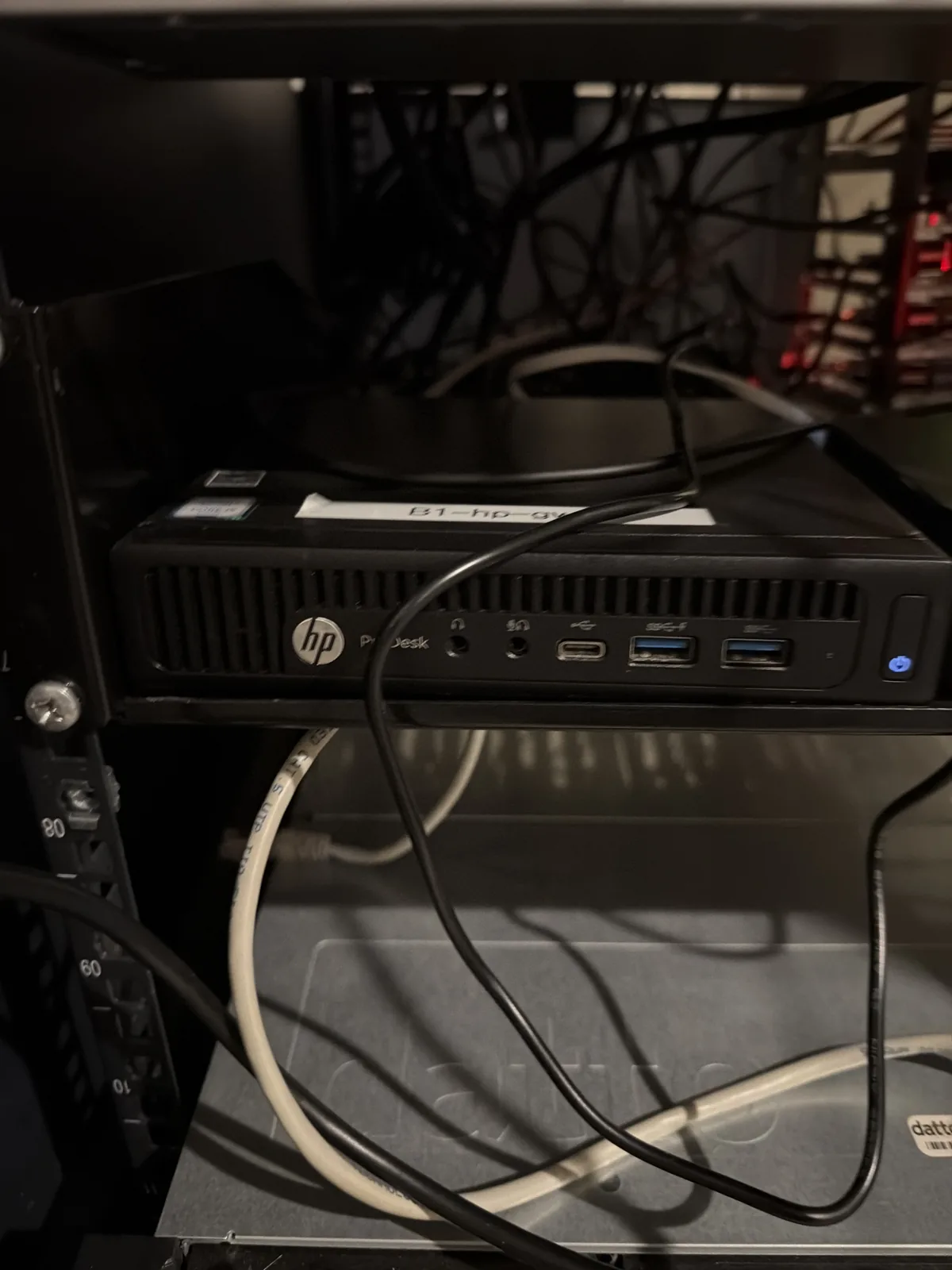
| pve7 | HP EliteDesk 600 G3 Mini — i5-6500T | Core services: reverse proxy, SSO, password vault, git, docs |
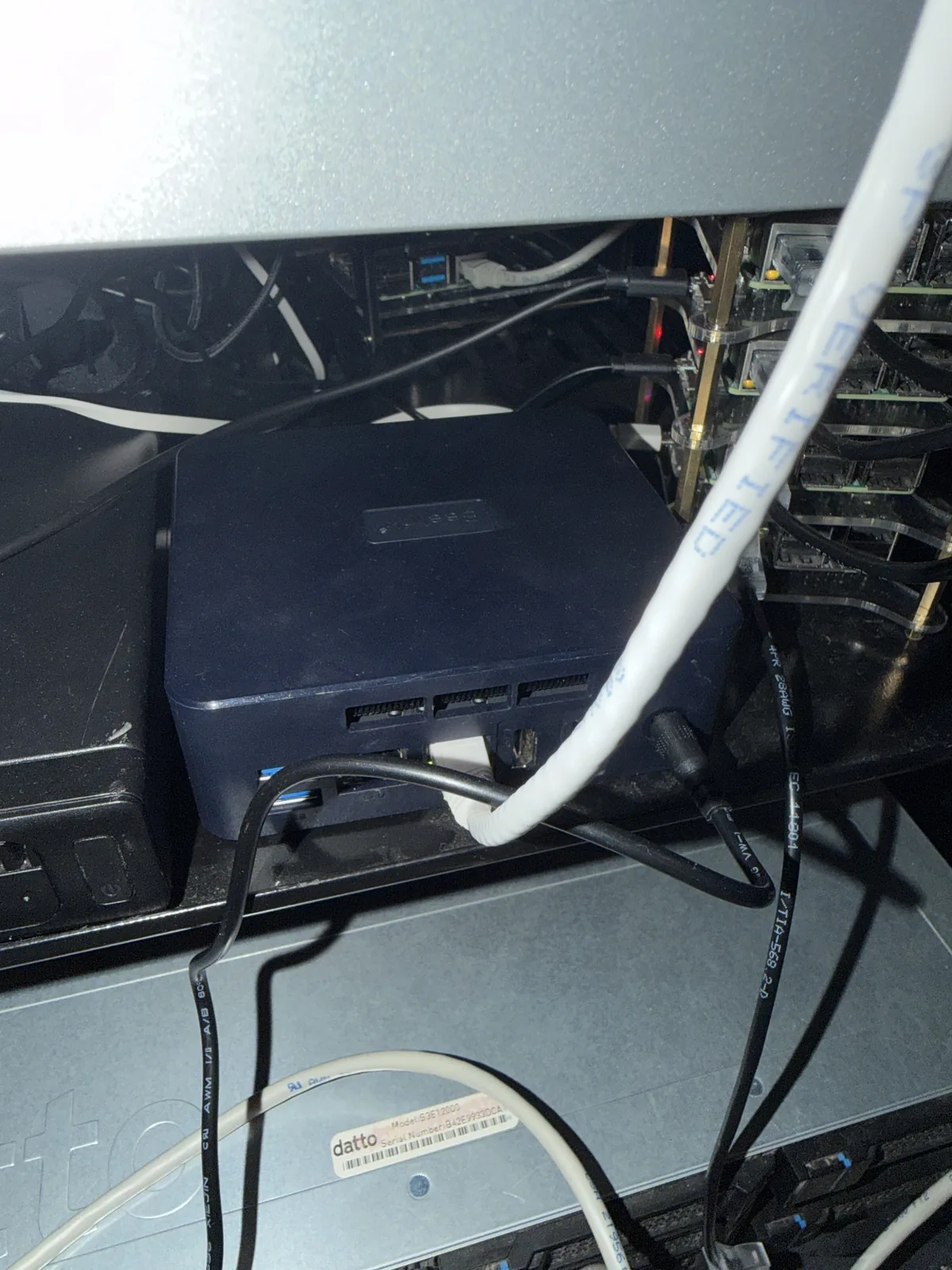
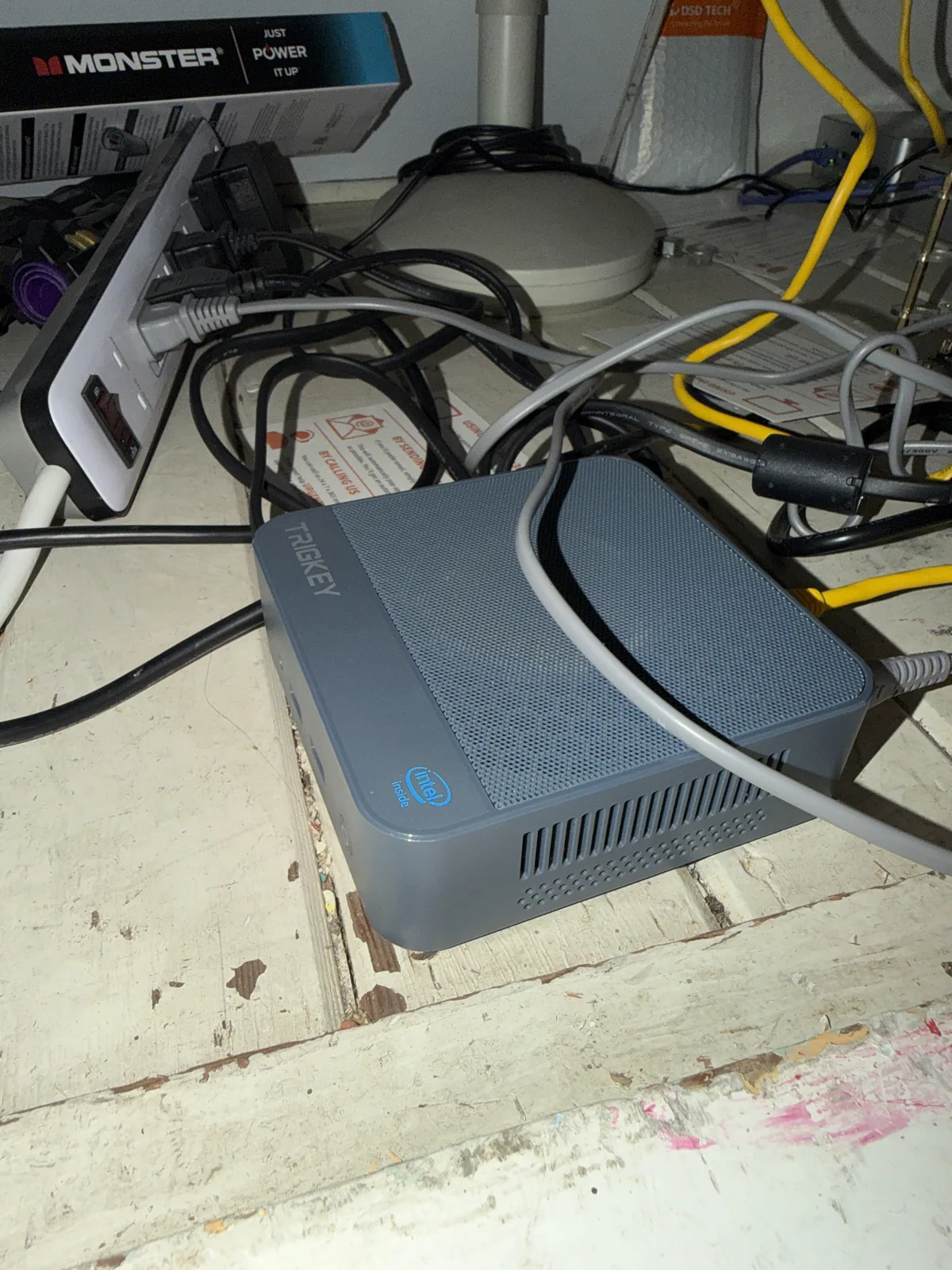
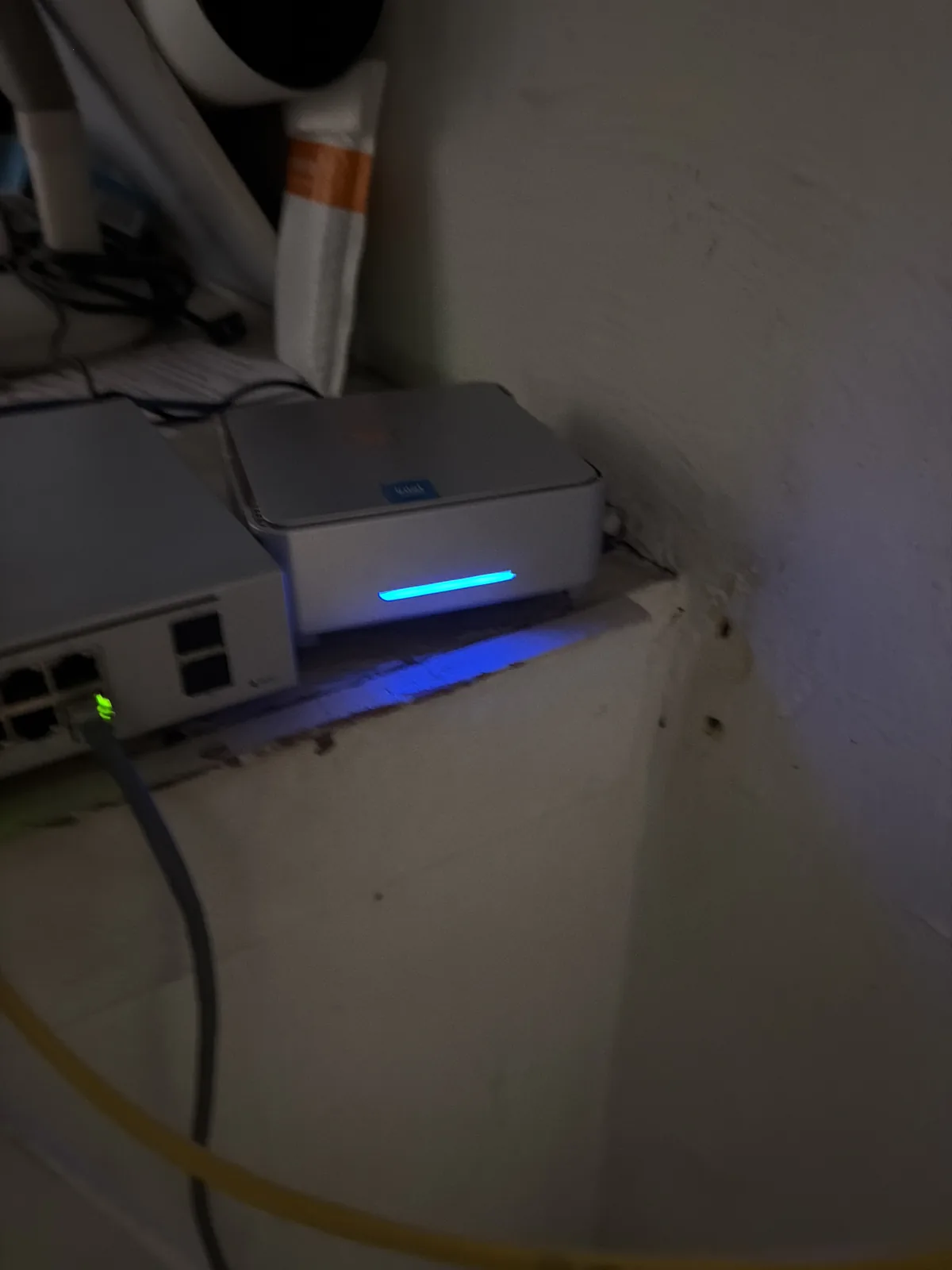
| bee7 · trigkey · krumi | Fanless N-series / GK3Plus minis | The always-on core — DNS, dashboards, monitoring, small apps |
| media | Minisforum N5 Air | Media — Plex + Audiobookshelf |
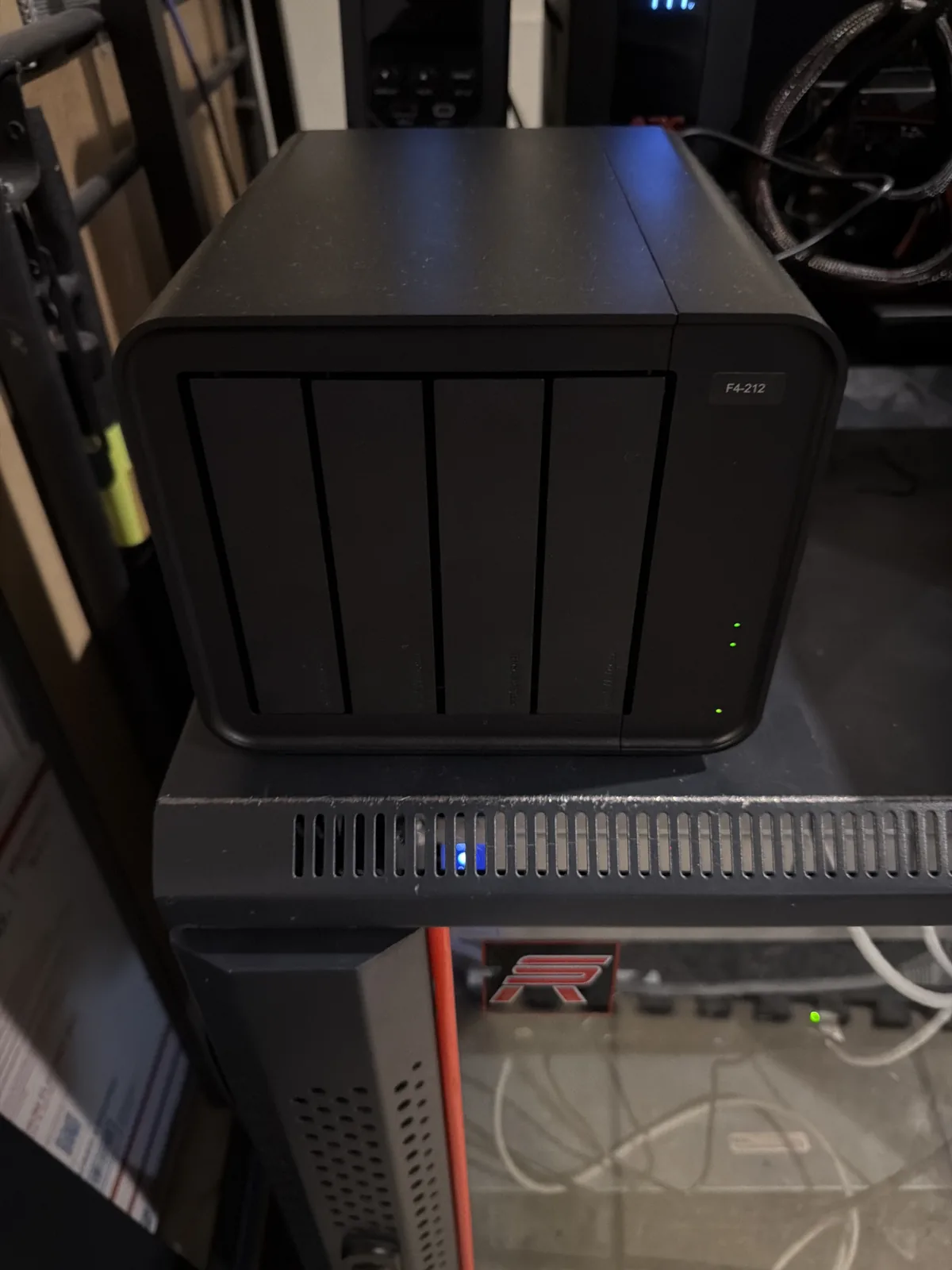
| TerraMaster F4-212 | 4-bay NAS | Backup target (Proxmox Backup Server) |
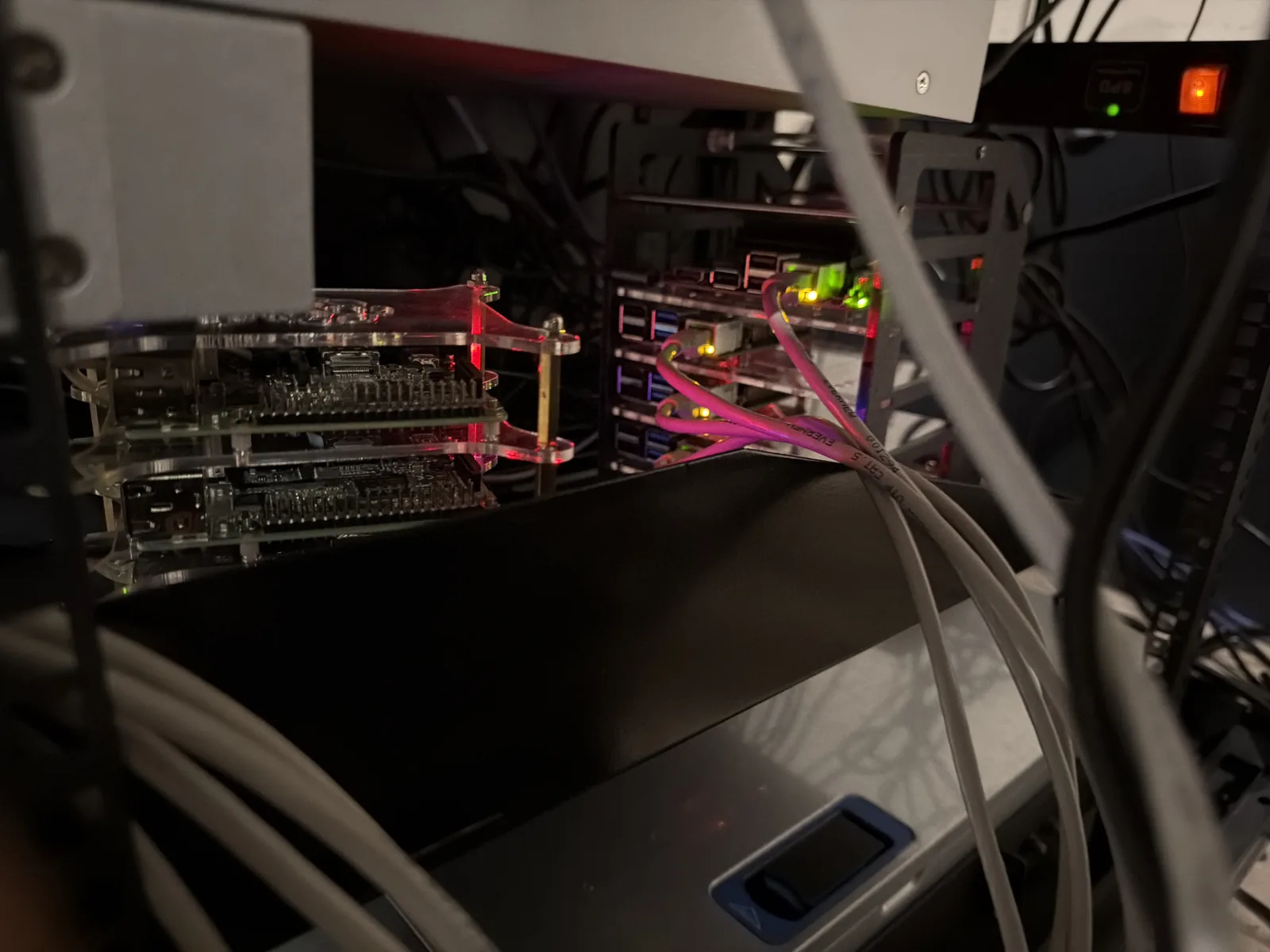
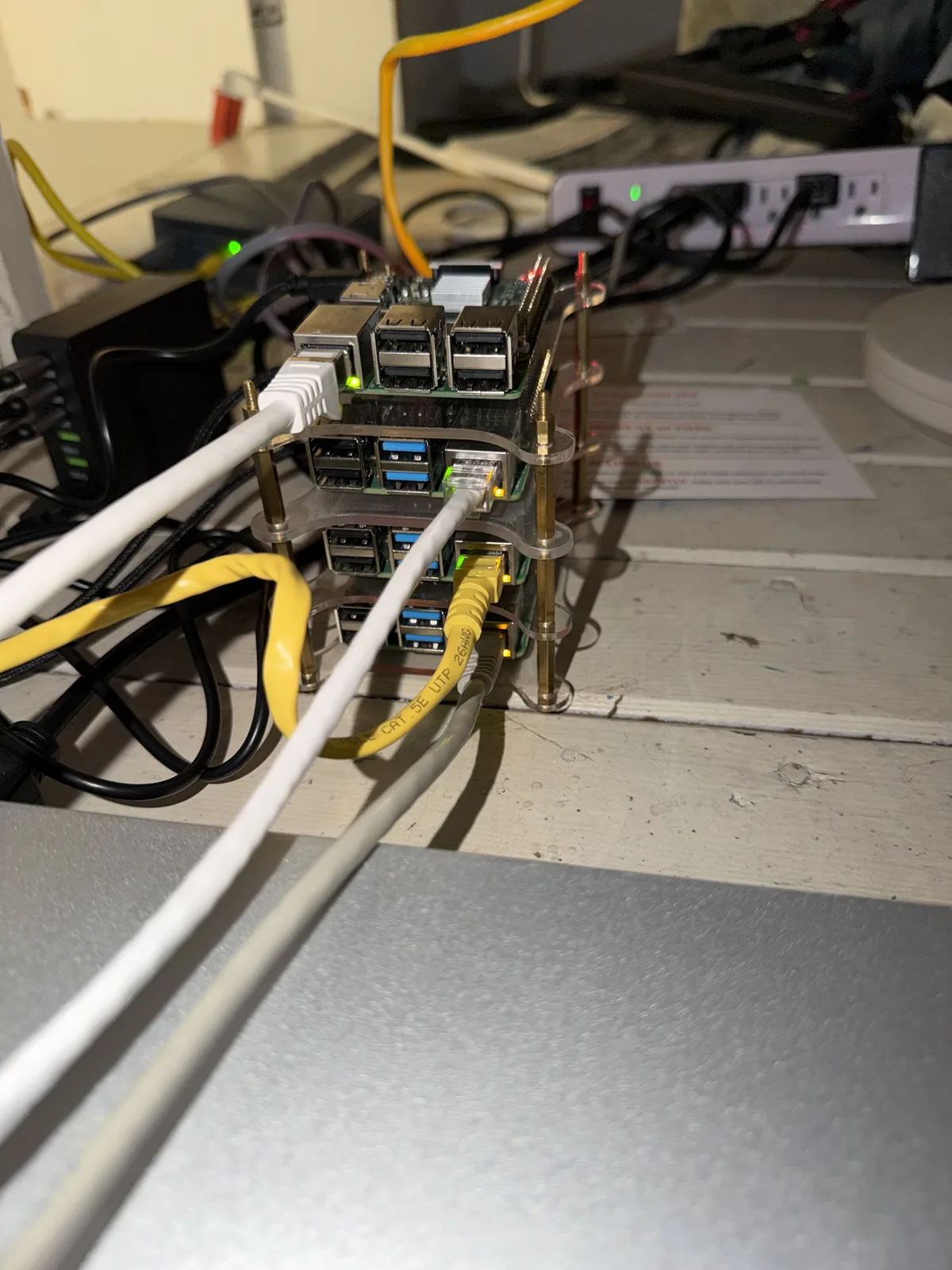
| the Pi swarm | Raspberry Pi 4 fleet | Automation nodes + the containers this site is built in |
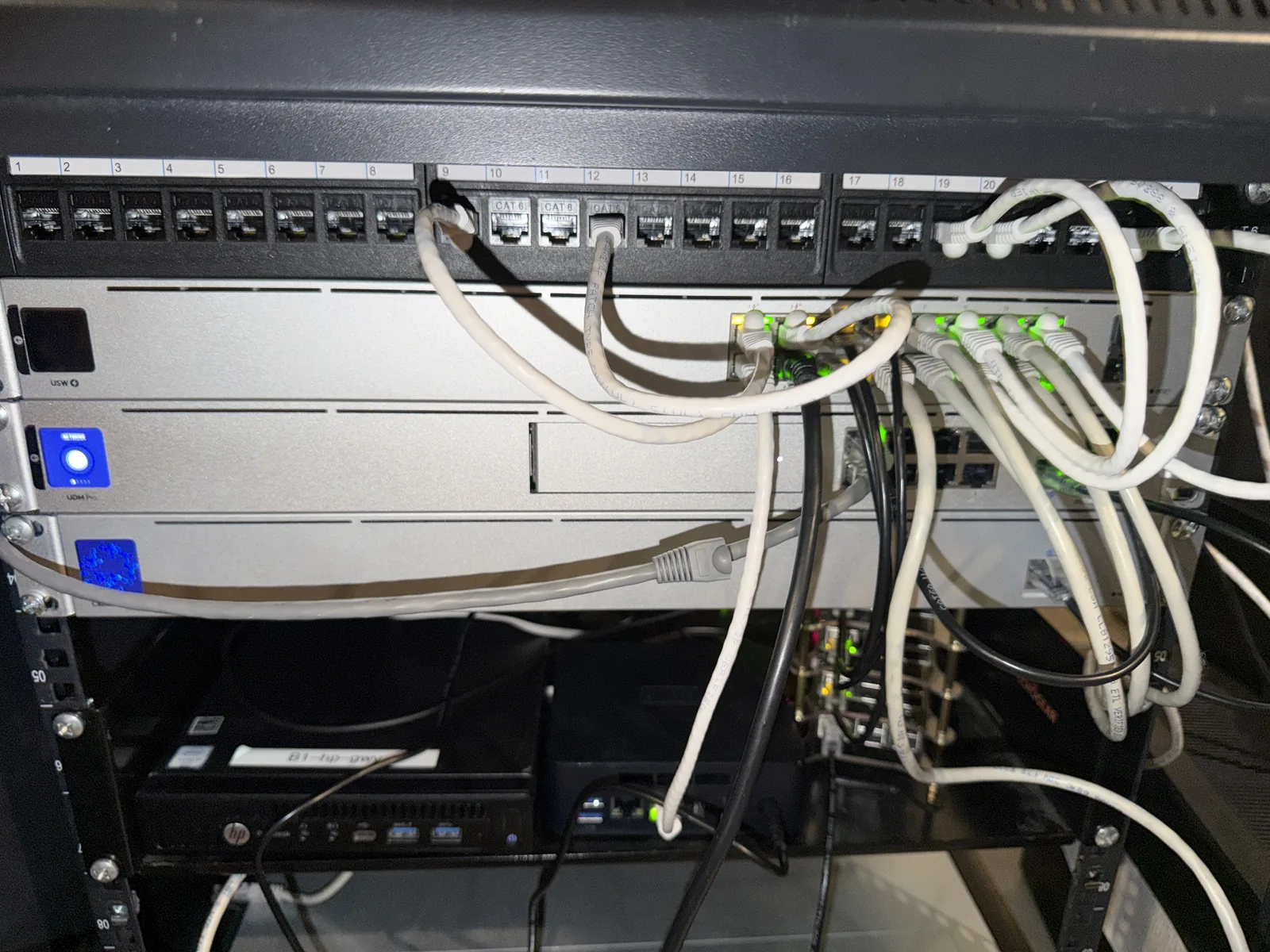
| network | UniFi UDM Pro + 16-port PoE switch | Gateway, VLANs, firewall/IPS, PoE |
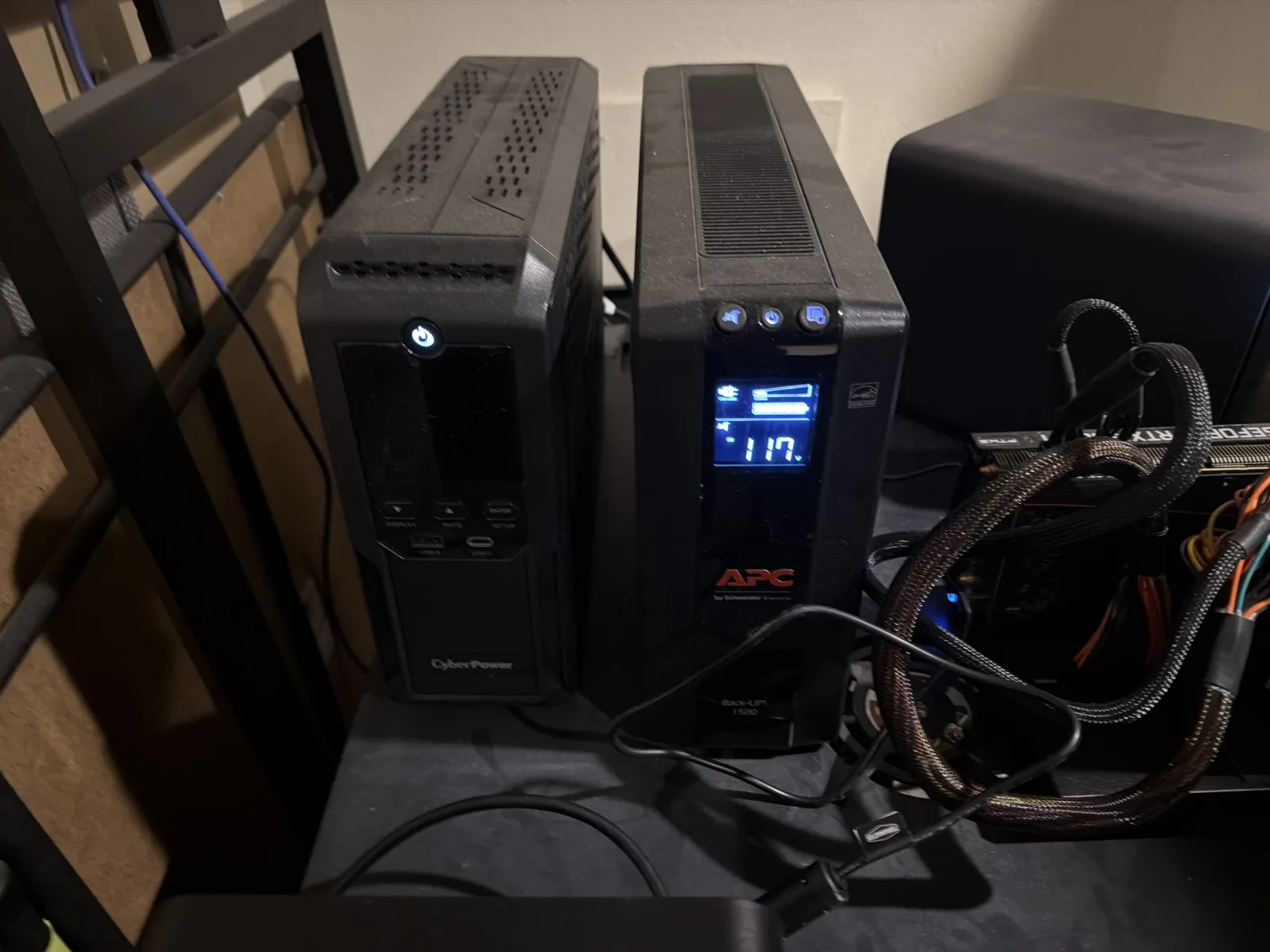
| power | 2× APC 1500 + CyberPower CP1500 | UPS backup for the whole stack |
The rest of the rack
What runs on it
The point of the hardware is the services. Across the boxes above:
- Virtualization & backup: Proxmox VE (containers + VMs) with Proxmox Backup Server for nightly, off-host backups.
- Access & edge: a Traefik reverse proxy, Authentik for single sign-on in front of everything, and Pi-hole for LAN DNS.
- The daily-driver apps: Vaultwarden (passwords), Gitea, Paperless, Plane, Firefly III, a self-hosted Supabase, GlitchTip, and Uptime Kuma + Grafana for monitoring.
- Media: Plex and Audiobookshelf.
- Local AI: Ollama running a 33B model on kratos's integrated GPU — ~71 GB of VRAM off an APU, which is a story of its own.
How the answers are formed
Each page starts from a question people actually ask, and answers it from hands-on experience: what the trade-off really is, what I'd do, and — just as important — when the honest answer is "you probably don't need this." Where a page cites a number, it says where the number came from and how it was measured. Comparisons only include things I've actually run.
The honest limits
Self-hosting moves. Software versions change, and a page can go stale between updates — every article carries a "last updated" date so you can judge it. If something here is wrong or out of date, that's a bug, and I'd rather fix it than defend it.
How this stays free
Some pages may link to hardware or services I'd genuinely use. Those are marked, and they never change the recommendation — no brand pays to be recommended here.
Some links here are affiliate links: if you buy through one we may earn a commission, at no extra cost to you. It never changes what gets recommended — I only point at gear and services I'd use myself.